Table of contents
Your AI agent is sandboxed. Its data still needs guardrails.

AI coding agents need access to real development context to be useful.
They read repositories, modify files, execute commands, call tools, and communicate with external models. Docker Sandboxes gives those agents an isolated environment where they can work without unrestricted access to the developer’s host.
But consider a simple scenario.
An agent running entirely inside its sandbox reads a credential from a project configuration file and includes it in an otherwise legitimate request to its LLM.
Nothing escaped the sandbox. The agent accessed a file it was allowed to read and contacted an endpoint it was allowed to reach.
The sandbox worked. The secret still left.
That is a different security boundary.
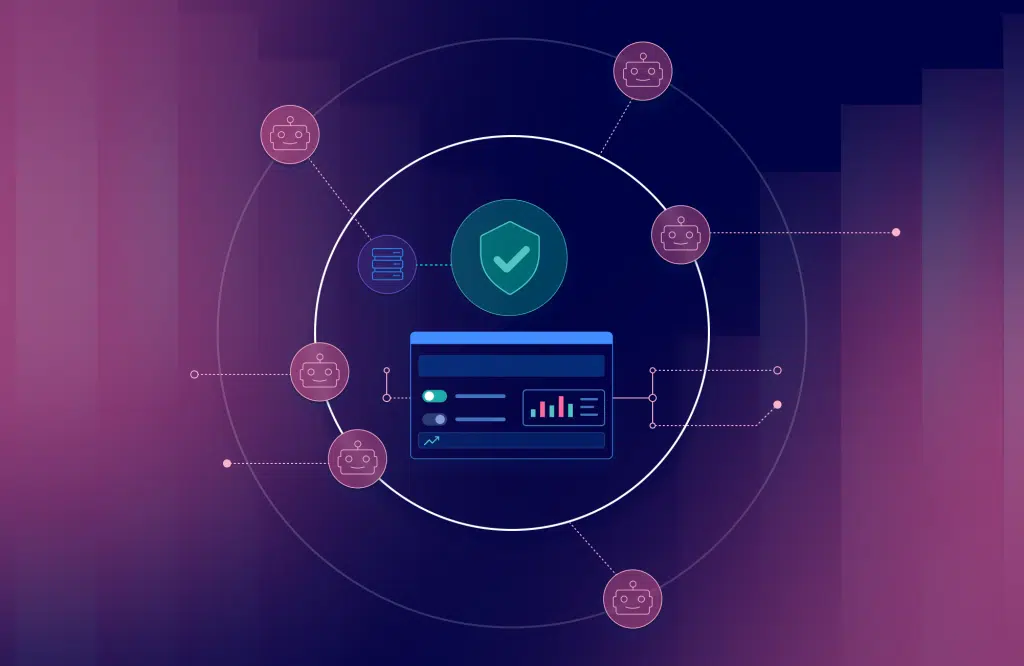
Docker Sandboxes controls where the agent executes. Mend AI Guardrails evaluates the content moving through the AI interaction.
The Mend Guardrails SBX Kit brings those controls together in a repeatable Docker Sandbox environment.
Add a second boundary without rebuilding the agent
The Mend Guardrails SBX Kit (sbx/mend-guardrails-kit) is a mixin kit. Rather than defining a new agent environment, it adds Mend AI Guardrails to an existing Codex sandbox. Docker describes mixins as kits that layer additional capabilities onto a base agent environment.
The kit runs mend-guardrails-server locally and configures supported OpenAI-compatible clients to route traffic through it using OPENAI_BASE_URL.
The resulting path is straightforward:
Agent → Mend AI Guardrails → LLM
Docker provides the execution boundary. Mend.io evaluates the AI interaction before supported traffic reaches the model.
SBX Kits are currently Early Access and experimental, so the kit format and CLI experience can change. Treat this workflow as an evaluation path, not a production-readiness guarantee.
Try it: validate guardrails inside a Codex sandbox
For this workflow, you need:
- Docker Sandboxes 0.42.0 or later
- Codex
- The published
docker.io/sbx/mend-guardrails-kit - A Mend AI Guardrails activation key,
MEND_KEY - The relevant guardrails enabled in the Mend.io platform
Version 0.42.0 added the kit arguments used by the current Mend Guardrails Kit.
The kit works with Codex by default. Its declared network access includes Mend.io services plus the package and download sources needed during setup: *.mend.io, mend.io, pypi.org, files.pythonhosted.org, github.com, objects.githubusercontent.com, and release-assets.githubusercontent.com.
Your MEND_KEY is the Guardrails activation key available from Integrations → Mend AI Guardrails. It is not the same credential as the Mend CLI MEND_USER_KEY.
Pass the key at runtime. Do not place credentials in --kit-arg, source code, screenshots, or the kit itself. Docker also explicitly warns that kit arguments are plain text and should not be used for secrets.
Start Codex with the published mixin:
sbx run codex \
  --kit docker.io/sbx/mend-guardrails-kit:latest \
  -e MEND_KEY="$MEND_KEY" \
  .
The first run can take several minutes while required packages and models are downloaded.
By default, the kit uses the Mend.io platform policy. Before expecting an interaction to be blocked, enable the Guardrails you want to evaluate—for example Prompt Injection or Secret Keys—and configure the relevant policy action to Block.
Validate that enforcement is working
Once the sandbox is running, use the kit’s built-in self-test:
mend-guardrails-selftestIf you are running it from the Codex TUI, prefix the command with !:
! mend-guardrails-selftestWhen the corresponding policies are configured to Block, the expected result is PASS for the relevant test cases.
That small test demonstrates the core workflow: the agent remains inside its Docker Sandbox, while Mend AI Guardrails independently evaluates the content crossing the model boundary.
No real credential needs to be placed in the test.
Know what the kit inspects
There is an important distinction between adding Guardrails to a sandbox and automatically inspecting everything an agent does.
Clients that honor the sandbox’s OPENAI_BASE_URL are routed through Guardrails automatically.
Codex TUI model traffic is not intercepted by default. To include those model calls, launch the kit with:
sbx run codex \
  --kit docker.io/sbx/mend-guardrails-kit:latest \
  --kit-arg mend-guardrails.interceptTui=true \
  -e MEND_KEY="$MEND_KEY" \
  .
That mode requires a host OpenAI Platform API key with Responses write permission, available billing or credits, and an API-accessible model.
MCP and tool-result text is also not automatically treated as model traffic. The kit provides mend-guard-text when you explicitly want to evaluate that content against the same policy.
Those boundaries are important. Mend AI Guardrails does not replace Docker’s isolation or control arbitrary agent execution.
Docker contains the execution. Mend.io evaluates the AI interaction.
A note on Docker Verified Publisher
The Mend Guardrails SBX Kit is available on Docker Hub under a Docker Verified Publisher account, making the publisher identity easier to identify and the artifact easier to discover. Verified Publisher status does not guarantee artifact security or replace normal review, version pinning, or security practices.
Try the Mend Guardrails SBX Kit
If you are already evaluating Docker Sandboxes for agentic development, add the Mend Guardrails SBX Kit and test the second boundary yourself.
View the Mend Guardrails SBX Kit on Docker Hub
Increase visibility and control over the AI components in your applications
About the author